Skip to content

Site teams.
In sync.

Attendance, team coordination, and salary estimates — connected in one app for construction teams.

First administrator included. €3 per additional user / month.

Closer to your team.
Wherever work happens.

Workers check in and out with a button in the mobile app. GPS verification connects attendance to the right workpoint.

App preview · Example data

Know when someone leaves the site.

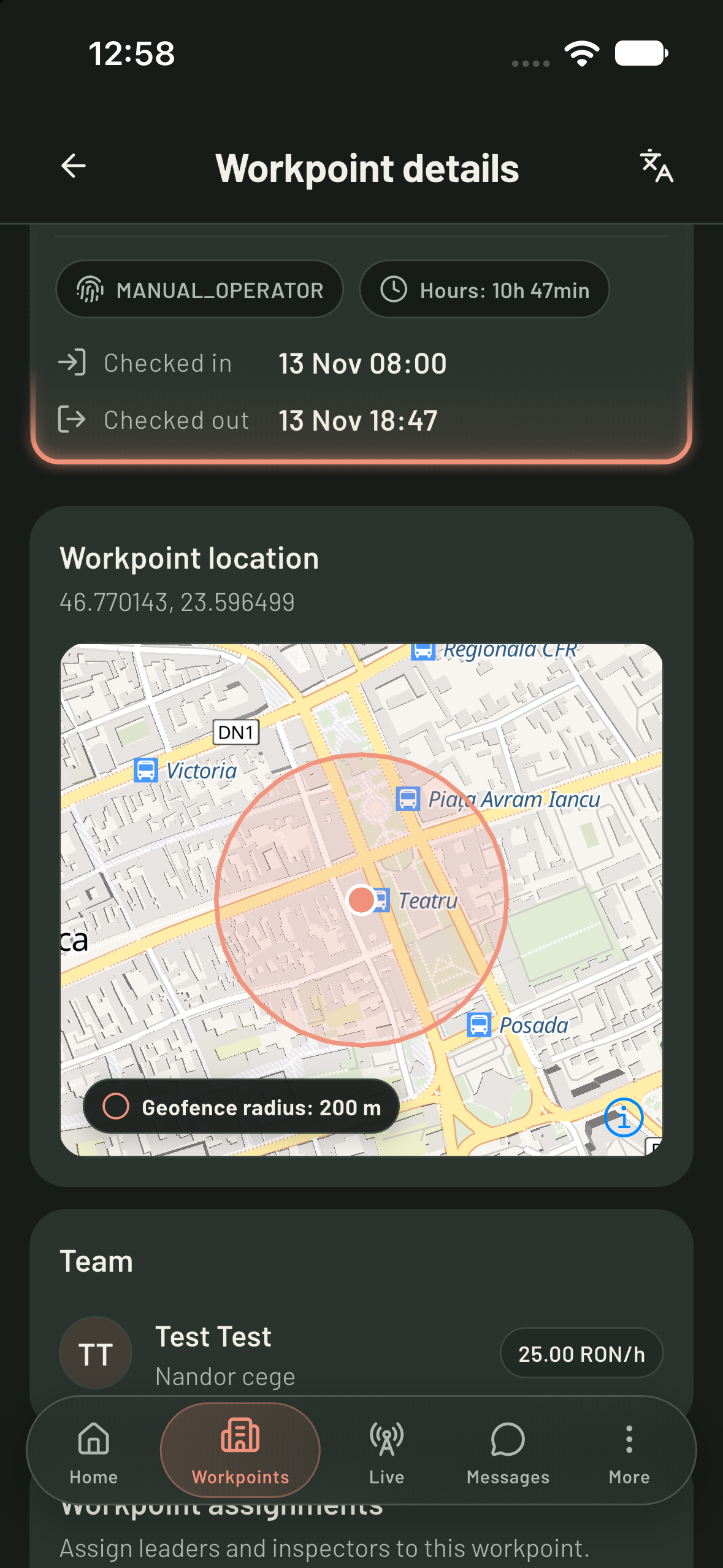
A check-in is only the beginning. With background exit monitoring enabled, Strulix detects when a checked-in worker leaves the workpoint’s geofence.

Read more about this feature
From a site boundary to a clear alert.
Live Follow
Strulix workpoint map showing a 200-metre geofence

Every workpoint. One live overview.

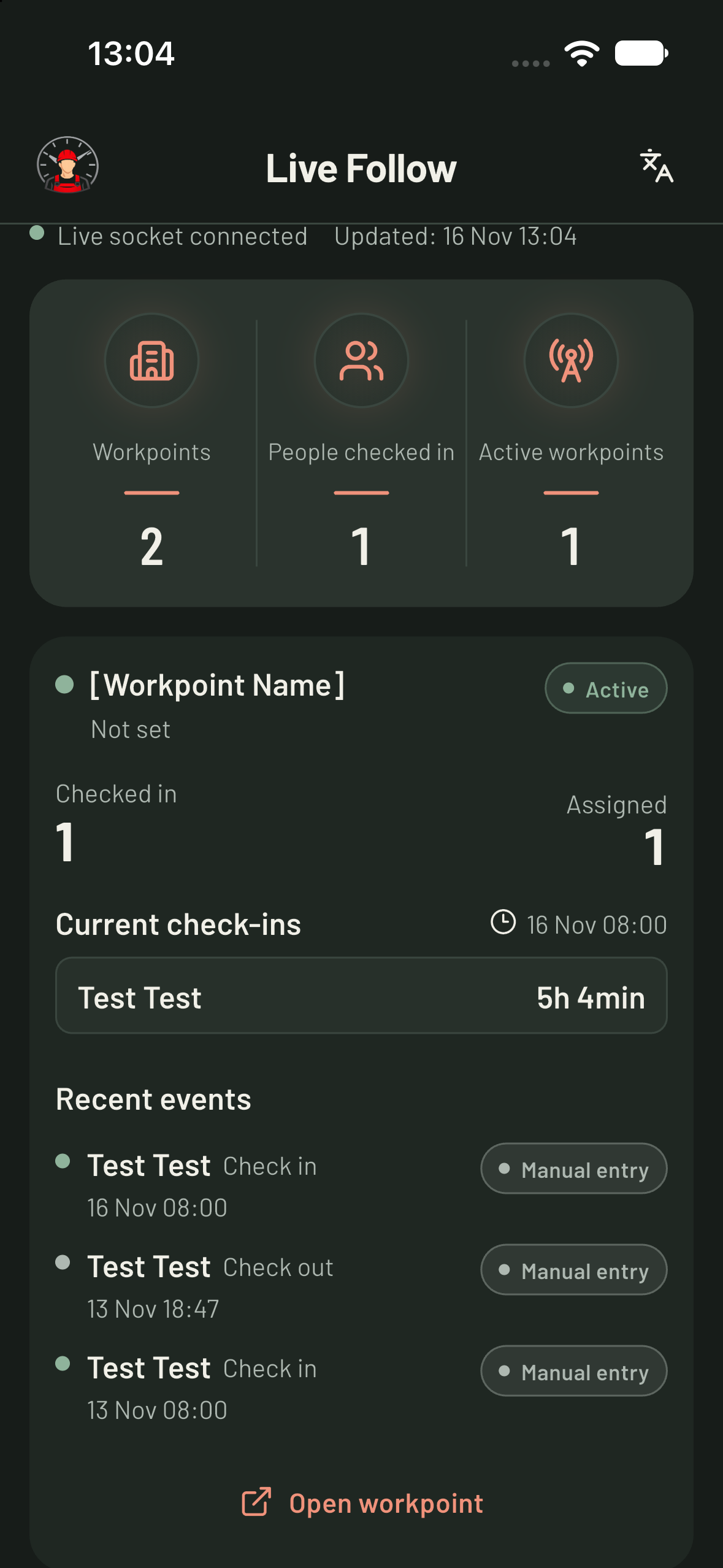
See who is checked in, which workpoints are active, and the latest arrivals and departures without calling each site.

Read more about this feature
The field and the office, on the same page.
Leave Calendar
Strulix Live Follow showing active workpoints, attendance, and recent events

Plan the work. See who’s away.

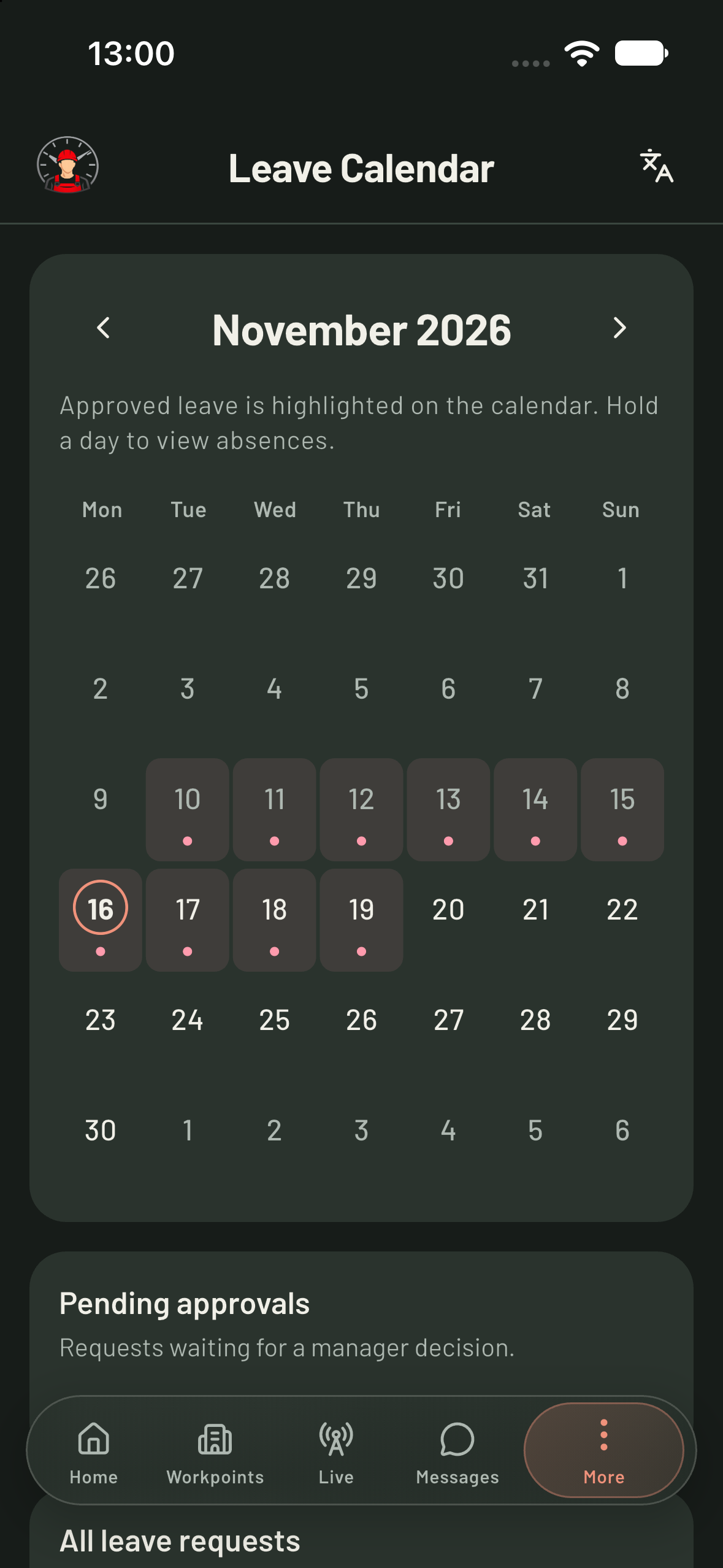
Employees request vacation or sick leave in the app. Managers review requests, and approved absences appear together in the calendar.

Read more about this feature
Fewer surprises when the working week begins.
Integrated messaging
Strulix leave calendar showing approved absences and pending approvals

Keep the conversation with the work.

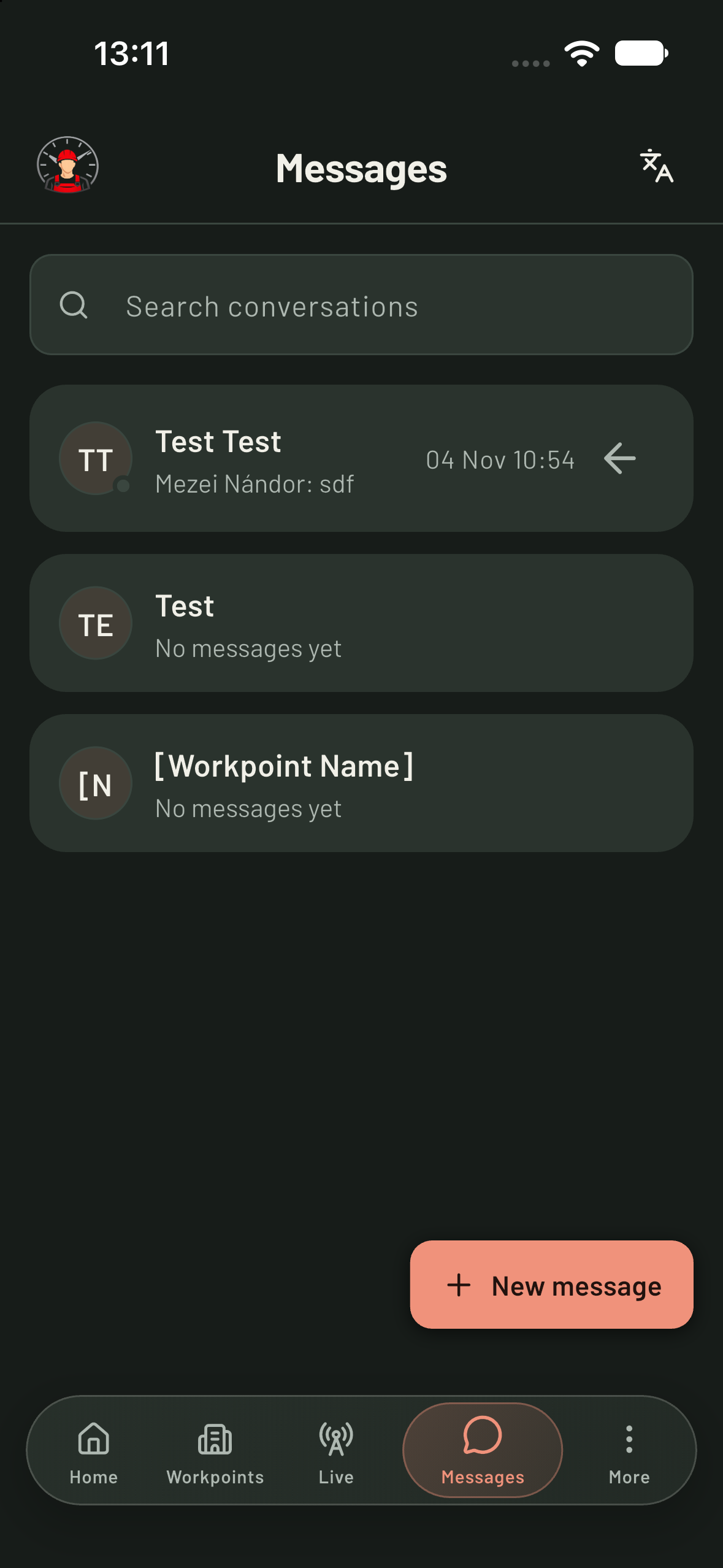
Message a colleague or bring everyone at a workpoint into one conversation. Site updates stay inside the app your team already uses.

Read more about this feature
One place for the team to stay connected.
Strulix messaging showing direct and workpoint conversations

Bring every company
onto the same site.

Connect partner companies to shared workpoints and attendance records.

Explore subcontractor coordination

Invite your teamSend email invitations and give workers and leaders the access they need.

Moving between workpoints?Multiple-workpoint mode connects attendance between sites. Verified travel time is included at the next workpoint; longer transfers are flagged for review while travel time remains paid.

From site hours
to office records.

Attendance totals, salary estimates, and Excel exports for the office.

  • Excel exports with attendance, hours, and salary calculations
  • Salary estimates based on recorded work and configured rates
  • Personal attendance, hours, and estimated pay for every worker
Explore attendance reports
Attendance & salary summary.xlsx
Illustrative attendance and salary calculation
WorkerHoursHourly rateEstimated pay
Ana M.160€8€1,280
David P.152€10€1,520
Alex R.168€9€1,512
Total estimated pay€4,312
Illustrative example · sample records
Estimates are not tax or payroll processing.

A price that follows
your team.

Your first administrator is included. Add your team as your business grows.

Get started
€3

per additional user
per month

Monthly-equivalent price. Billed by calendar day.

  • GPS attendance & geofence exit monitoring
  • Live Follow, leave calendar & messaging
  • Excel exports & salary estimates
  • Subcontractor collaboration

Read pricing and billing details

Your first account is included. Additional accounts are billed by calendar day after the monthly period ends.

Each additional account counts on every local calendar day when it exists. An account is billed whether or not it logs in.

Your next working day,
better connected.

Start with your company, bring your team on board, and see your workpoints come together.

Prefer to write directly? mezeinandor@strulix.com

Ready for the worksite.

Download Strulix for iOS or Android. Your team’s working day, right in their pocket.

Managers can also work from the web.